
Everything you upload here is raw material. Visto uses it to build your pieces, to write with your own data and to make your videos.
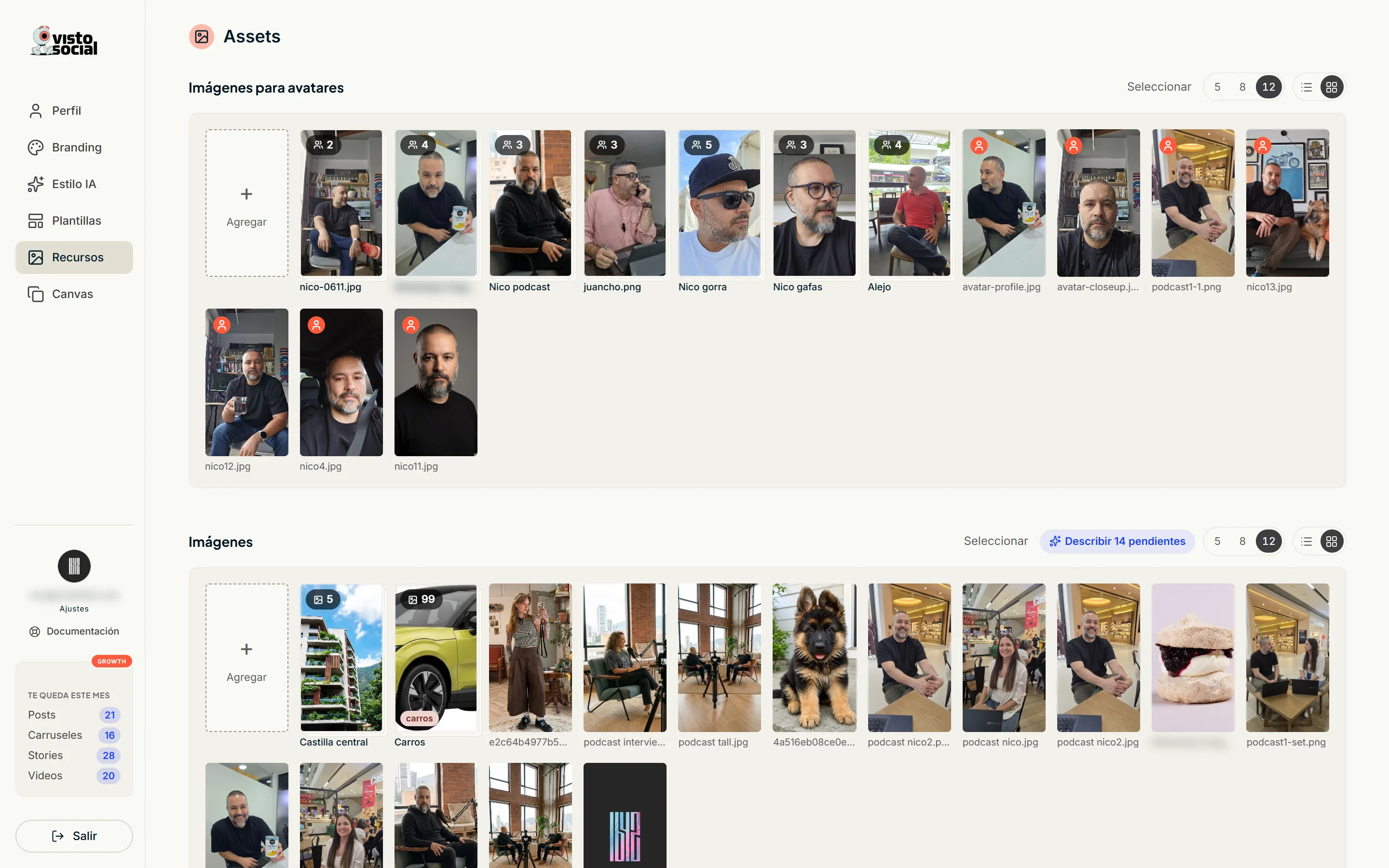
Images
- Upload JPG or PNG. You can also drag them onto the screen.
- «Describe with AI» makes Visto look at each photo and note what's in it. That's what lets it pick the right photo for each post.
- Tag them to group them by topic.
- Group them into collections (galleries) so you can bind them to a design later.
Avatars
An avatar is a photo of a person who will speak in your videos. Mark the image with the ⋮ menu → «Mark as avatar» and it shows up in the avatar list.
- Each avatar carries a name, a description (when to use it, tone, context) and its own voice.
- «Generate angles» creates more shots of the same avatar: front, close-up, 3/4 and profile.
- A group is the same person across several photos. Avatar Pro videos use one photo per shot.
- For a podcast-style reel you need a set of three photos: interviewer, interviewee and the shot with both.
Documents
Upload PDFs, guides, case studies, your portfolio or your price list. Visto reads them and marks them «In knowledge»: from there it writes with your own data instead of generalities.
Videos and audio
Clips and tracks (MP4, MOV, WebM, MP3, M4A, WAV, OGG) to have on hand for your reels. Describe them so Visto knows when to use them.
Tags are the key to custom instructions: put the same tag on a group of photos, your spreadsheet and a design, and Visto can build pieces in series from that.